PC bottleneck calculator

Foto: Product Hunt AI
Even the most powerful NVIDIA GeForce RTX 4090 graphics card can become useless if paired with an underpowered processor—a phenomenon known as a bottleneck that keeps gamers and digital creators awake at night. To avoid wasting the potential of expensive hardware, users are increasingly turning to PC Bottleneck Calculators—online tools that analyze the synergy between the CPU and GPU. Although these algorithms provide specific percentage values for performance loss, the tech community emphasizes that these results should be treated as an estimated guide rather than an indisputable oracle. In practice, component selection depends on the target resolution: at 1080p, the computational burden rests primarily on the processor, while switching to 4K shifts the load to the graphics card, drastically changing simulation results. For creative users and professionals using AI tools such as Stable Diffusion, it is crucial to understand that a "bottleneck" in gaming does not always translate to performance in rendering or tensor calculations. Instead of blindly chasing a zero-bottleneck index, the optimal strategy involves building balanced configurations that allow for smooth operation without overpaying for components whose power the system will never fully utilize.
The concept is simple: the user selects a processor model, a graphics card, and the resolution at which they intend to work or play, and the algorithm calculates which of these elements will reach its limit first. While this may seem like a simplification to experienced overclockers, for the mass audience building a workstation for video editing or gaming, it is a crucial point of orientation. The problem of power mismatch is not just a theoretical issue – it represents real financial losses resulting from purchasing a component whose computing power we will never fully utilize.
Mathematics hidden in silicon
The operating mechanism of the **PC bottleneck calculator** is based on the analysis of data throughput and the speed of calculation cycles between the central processing unit and the graphics system. In an ideal scenario, both components work under a load close to 100%, which means the system is perfectly balanced. In reality, however, we often encounter situations where a powerful processor, such as the **Intel Core i9-14900K**, is idle alongside a mid-range graphics card, or vice versa – a budget processor stifles the potential of a flagship like the **NVIDIA GeForce RTX 4090**.
The calculator takes into account not only raw power but also the specifics of the tasks. Loads are distributed differently in games focused on physics and a large number of objects (where the CPU dominates) than in 3D rendering or games at high 4K resolution, where almost the entire weight falls on the shoulders of the GPU. This tool allows you to predict whether an investment in additional processor cores will translate into a real increase in frames per second, or if it is better to shift those same funds toward a more efficient graphics card.
Read also


Resolution as a key parameter of the equation
One of the most frequently overlooked aspects when planning a PC configuration is the impact of monitor resolution on component balance. The **PC bottleneck calculator** clearly emphasizes this relationship. At 1080p resolution, the processor is usually the limiting factor, as it must rapidly prepare instructions for the graphics card, which easily generates hundreds of frames. Moving to the 4K standard drastically changes this dynamic – the graphics card must perform significantly more operations on every pixel, giving the processor "breathing room" and often eliminating the CPU-side bottleneck.
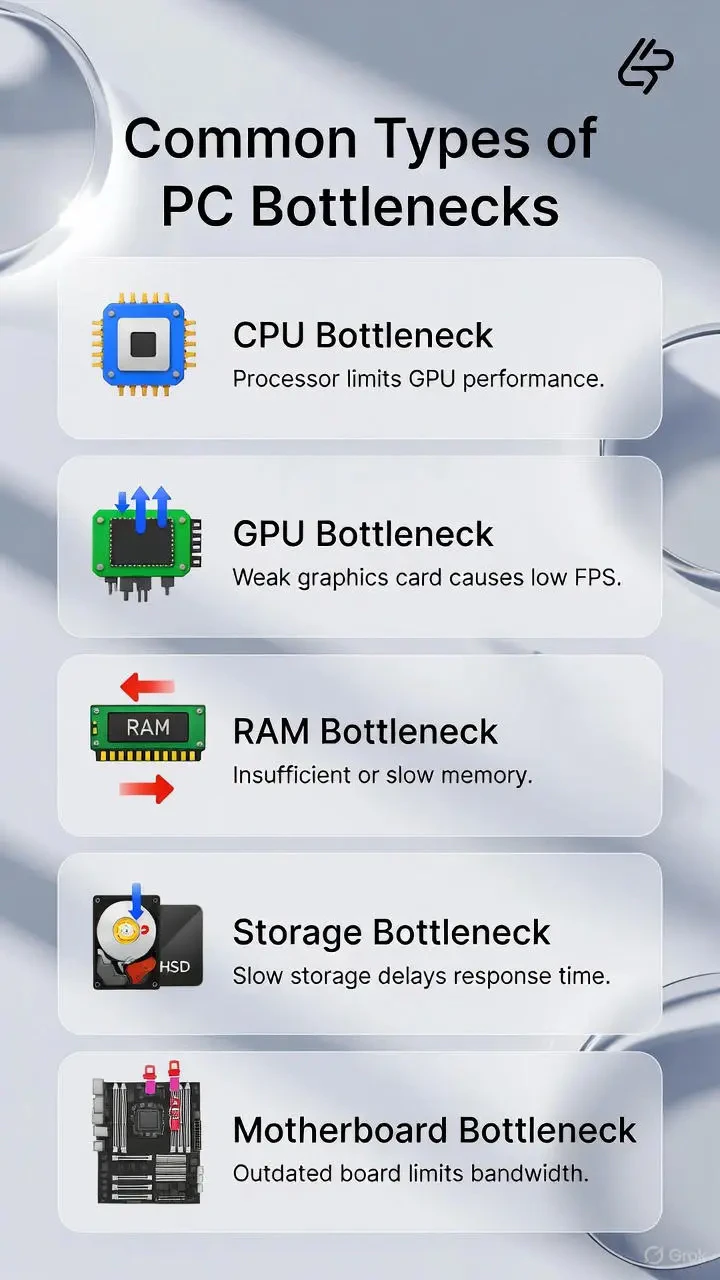
- Processor Bottleneck: Occurs when the CPU cannot keep up with processing game logic or instructions for the GPU, manifesting as sudden drops in smoothness (stuttering).
- Graphics Card Bottleneck: A desirable phenomenon in gaming, meaning that 100% of the graphics chip's computing power is being utilized under a stable processor load.
- Impact of RAM: An often overlooked but significant factor that modern calculators are beginning to include as the third pillar of system stability.
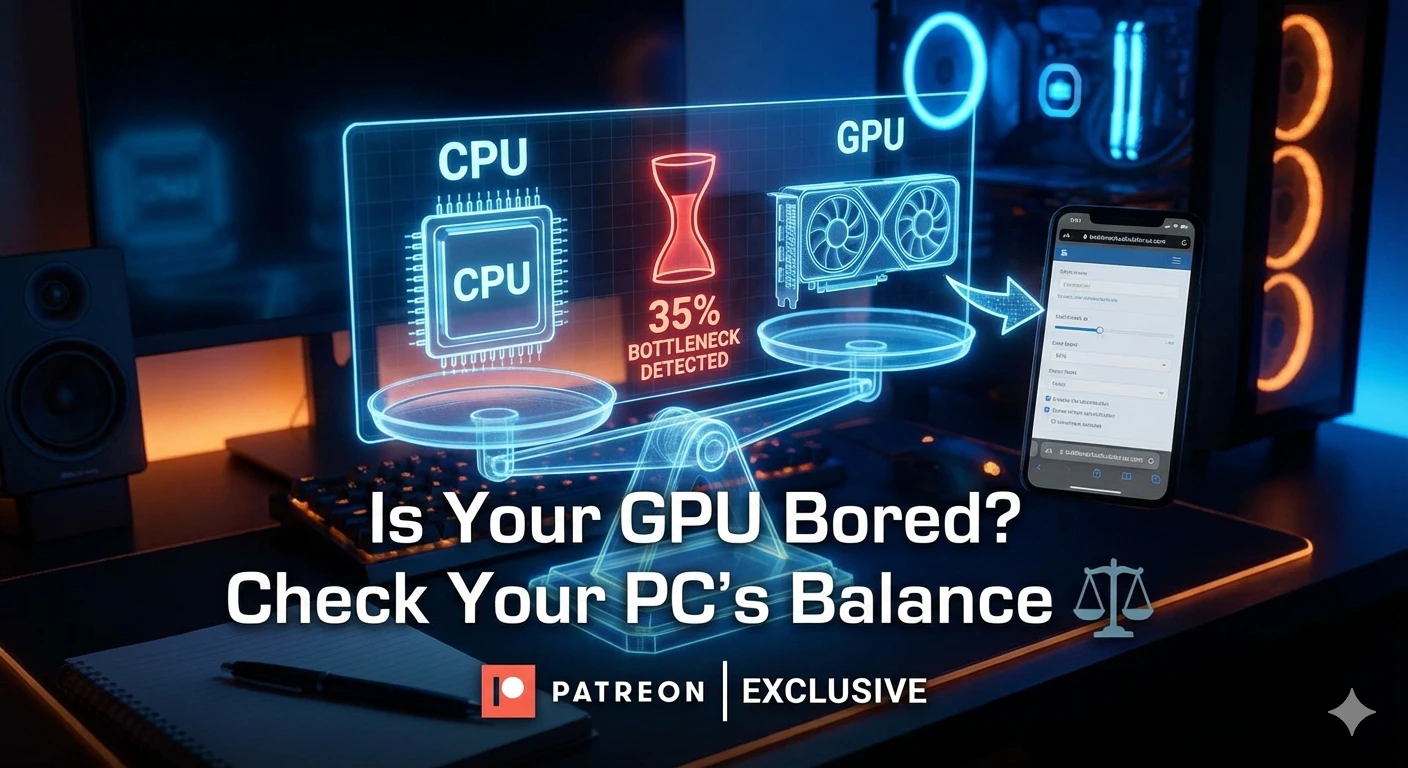
It is worth noting that tools like the **bottleneck calculator** are becoming essential in the era of technologies such as DLSS or FSR. AI-assisted image scaling relieves the GPU, which paradoxically can shift the bottleneck back to the processor. By using the calculator, a user can simulate these conditions and check if their current configuration will allow for the effective use of upscaling technology without the system being throttled by an older central unit.
Pitfalls of pure theory and synthetic results
Despite their immense utility, it must be remembered that every calculator operates on averaged statistical data. Actual performance in a specific application may deviate from the result by several percentage points. Game code optimization, background processes running in the operating system, or even the temperature inside the case affect how components work together. The **PC bottleneck calculator** should be treated as a guide, not an ultimate oracle, especially in the case of rare hardware configurations.
A critical element of the analysis is also understanding that "zero percent bottleneck" is practically unattainable. One of the components will always be the slowest – the goal is not the total elimination of this phenomenon, but bringing it to a level where it is not noticeable to the user. The industry standard suggests that a result below 10% is considered a perfectly balanced system that does not require an immediate upgrade of any element.
Cost effectiveness in an era of expensive hardware
In today's technological landscape, where the prices of top-tier components can be dizzying, the role of such tools is evolving. They no longer serve only to build the fastest machines, but primarily to optimize spending. Thanks to the precise calculation of the bottleneck, a user may conclude that instead of buying the latest processor, a model from one generation ago is sufficient, and the saved funds are better placed in faster NVMe drives or a better cooling system, which overall will provide a more stable operating culture.
Analyzing data from a **PC bottleneck calculator** allows for building a conscious upgrade strategy. Instead of replacing the entire platform (motherboard, RAM, and processor), it often turns out that replacing just one of these elements is enough to unlock 20-30% of the hidden power of the graphics card. This is an eco-friendly and economical approach that gains importance in the face of increasingly shorter release cycles for new architectures from giants like AMD or Intel.
The future of hardware diagnostics will likely move toward even deeper integration with real-world usage scenarios. We can expect calculators to start including specific graphics engines (like Unreal Engine 5) or specific AI instruction sets that are becoming the new standard in creative work. For now, however, simple and effective tools for estimating power balance remain the foundation for anyone who wants to squeeze as much as possible out of their silicon without overpaying for unused potential.
More from Tech




Related Articles

After court loss, RFK Jr. gives himself more power over CDC vaccine panel
Apr 6
Steven Spielberg Still Wants to Make a Horror Film ‘Someday’
Apr 6New Jersey has no right to ban Kalshi's prediction market, US appeals court rules
Apr 6