Powered by FLUX.2 Pro
AI Photo Colorization
Bring old black & white photos to life with advanced AI colorization. Transform vintage memories into vibrant, colorful images.
- AI Natural Colors
- ~20s Processing
- 1.5 Credit/Image
- Operational
- 1.5 cr · FLUX.2 Pro
By uploading a file you agree to our Terms of Use and Privacy Policy.
A failed job costs nothing — credits are returned automatically. We keep video results for 30 days, photos on your account with no limit, and guest files are deleted after 14 days.
Credit packs from $8.99, one-time. Credits never expire and no subscription is required.
What is Colorize Old Photo?
Colorize Old Photo is an AI tool in Pixelift that runs in the browser with no installation. Bring old black & white photos to life with advanced AI colorization. Transform vintage memories into vibrant, colorful images. Engine: FLUX.2 Pro. Cost: 1.5 credits per result; credits are bought once in packs from $8.99, no subscription, and they never expire. Files are processed on EU servers and never used to train models.
See the Transformation
Drag the slider to see how AI brings black & white photos to life with natural, vibrant colors.
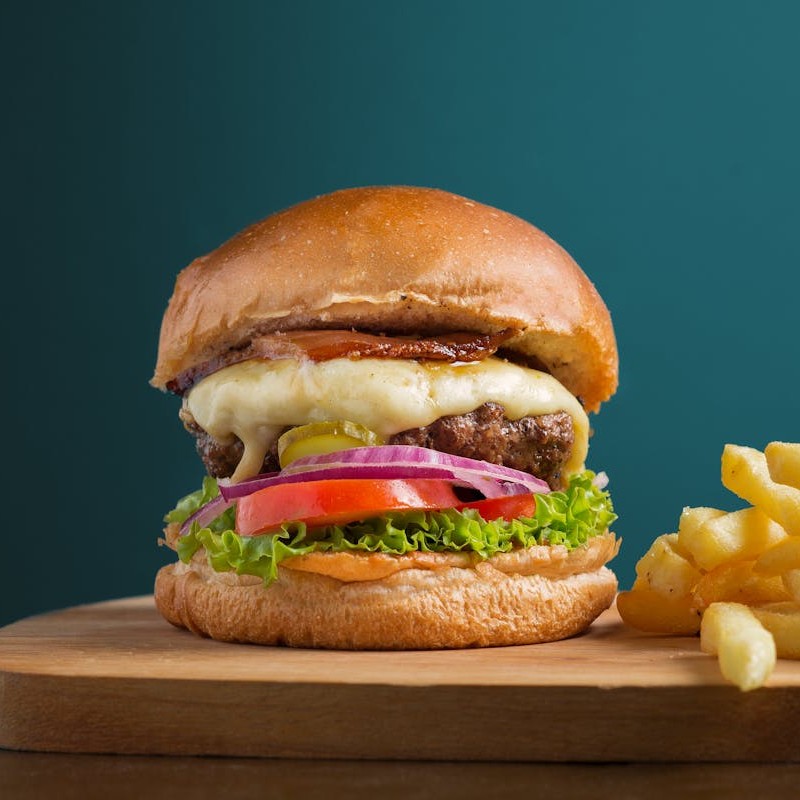
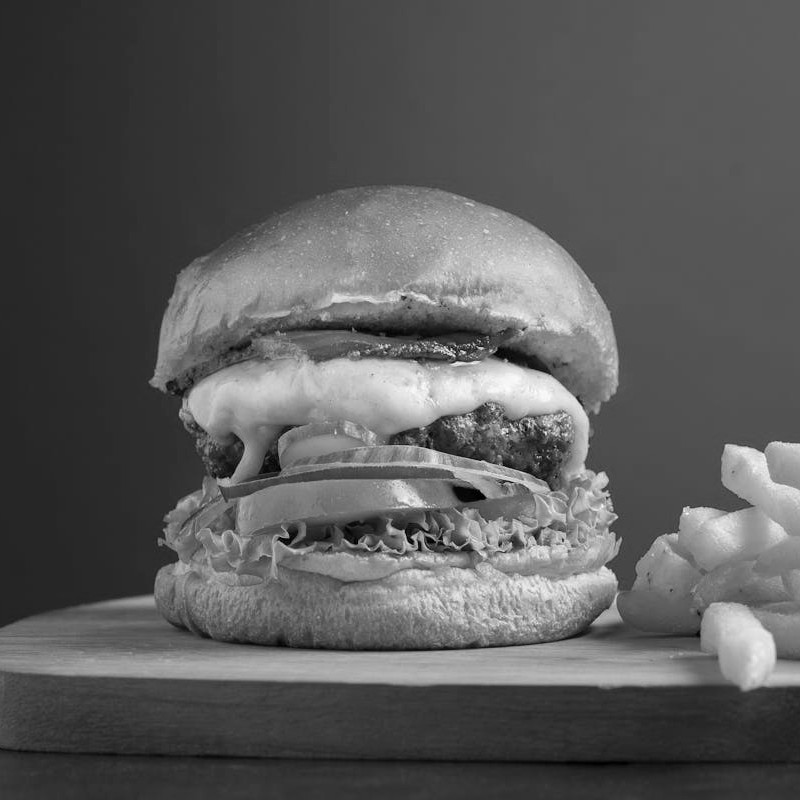
Portrait — natural skin tones
Drag the slider to compare. AI-powered colorization preserves all original details while adding natural colors.
How AI Colorization Works
Natural Colors
Realistic, natural-looking colors that bring photos back to life.
Historical Photos
Perfect for restoring old family photos, vintage portraits, and historical images.
Fast Processing
Get colorized results in seconds with our optimized AI pipeline.
FLUX.2 Pro Technology
Colorization runs on FLUX.2 Pro, an image model that understands the semantic content of a photo — it recognizes faces, skin tones, sky and vegetation and applies colors that fit. You can steer the palette with a short prompt; premium results get a 4× AuraSR finish.
- Understands scene context for accurate colorization
- Preserves fine details and textures
- Works with portraits, landscapes, and historical photos
Perfect For
Family Archives
Colorize old family photos and bring memories to life
Historical Images
Add color to historical photographs and documents
Film Restoration
Colorize frames from classic black & white films
Creative Projects
Use colorization for artistic and design work
Use Cases
Discover how AI colorization brings photos to life across different scenarios
Family Photo Albums
Colorize generations of black & white family photos. Combine with our AI Upscaler for print-ready results you can frame.
Historical Archives
Bring historical photographs to life for museums, educational projects, and documentaries.
Classic Film Frames
Colorize stills from classic black & white cinema for collections and film study.
Print & Frame
Colorize and then upscale old photos to create large, high-resolution prints perfect for display.
Tips for Best Results — ✓ Best Practices
- Use high-resolution scans of original photos
- Ensure the image is in focus and well-exposed
- Clean up scratches and damage before colorizing
- Works best with clear subject definition
Pro Tips
- Portraits typically colorize better than complex scenes
- Outdoor photos with sky and vegetation work great
- Multiple processing can sometimes improve results
- Combine with upscaling for best quality restoration
What this tool is (and is not) for
Use this tool for
- •Historical black-and-white photos
- •Old family photos (sepia, B&W)
- •Scanned B&W photographic documents
- •B&W sketches and drawings to colorize
DO NOT use for — try instead
- •Already-colored video — no need to colorizeUse instead: Video Face Restore— sharpen faded faces without touching color
- •Line art or pure sketchesUse instead: AI Image Generator— generate a fully-colored version from scratch
- •Heavily damaged film (scratches, missing frames)Use instead: Old Photo Restore— full restoration pipeline (frame-by-frame)
Frequently Asked Questions
Is AI photo colorization free?
Each photo colorization costs 1.5 credits. Credit packs start at $8.99 for 60 credits — one-time, no subscription.
What types of photos work best with AI colorization?
The AI works best with clear, well-exposed black and white photos. Portraits, outdoor scenes with sky and vegetation, and historical images with good contrast produce the most realistic results.
How accurate are the AI-generated colors?
The AI produces highly realistic colors by understanding the semantic content of the image. It can't know the exact original colors, but it applies them from context — skin tones, sky, vegetation and common objects are typically very accurate. You can also steer the palette with a short prompt.
Can I colorize photos that are already in color?
The tool is designed for black and white or grayscale photos. Applying it to color photos won't produce meaningful results, as the AI is trained to add color to monochrome images.
What image formats are supported?
You can upload photos in JPG, PNG, or WebP format. The maximum file size is 50MB. Results are delivered in high-quality PNG format.
Can I upscale a colorized photo for printing?
Absolutely! After colorizing your photo, we recommend using our AI Upscaler tool to increase the resolution up to 4x. This combination is ideal for printing old family photos — colorize first to add color, then upscale to get sharp, print-ready results.
What is the best workflow for restoring old photos?
For best results, we recommend this workflow: 1) Clean up scratches using the Restore tool, 2) Colorize the photo using this tool, 3) Upscale the result using our AI Upscaler for maximum resolution. This three-step process produces museum-quality restorations.
How can I get the highest quality colorized result?
Start with the highest resolution scan you can get of the original photo. After colorization, use our AI Upscaler to enhance resolution up to 4x. The upscaler's AI models add genuine detail, so your final print will look sharper than the original scan.
What to Do Next
Continue your workflow with these tools
More tools
Restore memories
- Popular
Upscale & Sharpen
A small or soft photo, large and crisp, up to 8×. Usually 17 seconds.
1-5 kr
Remove Noise & Grain
Clean up noisy, grainy or over-compressed photos.
0.5-6 kr
Fix Blurry Photo
Shaky and out-of-focus shots regain sharpness. Usually 24 seconds.
0.5 kr
- New
Clean Up a Scan
Flatten, brighten and sharpen a photographed document — no invented letters.
0.5 kr
Brighten a dark photo
Recover detail from dark, underexposed shots without blowing out the lights.
0.5 kr
Ready to Colorize Your Photos?
Start with No subscription — credit packs from $8.99.
Call it from code
One endpoint, key in the header. The same tool that runs on this page — no browser, no clicking.
curl -X POST https://pixelift.pl/api/colorize \
  -H "Authorization: Bearer pk_live_..." \
  -F "file=@zdjecie.jpg"
Response: { "jobId": "cmk8…", "status": "processing" } The result arrives via webhook or a GET on the job status.
Request fields
file | file | required | Zdjecie czarno-biale |