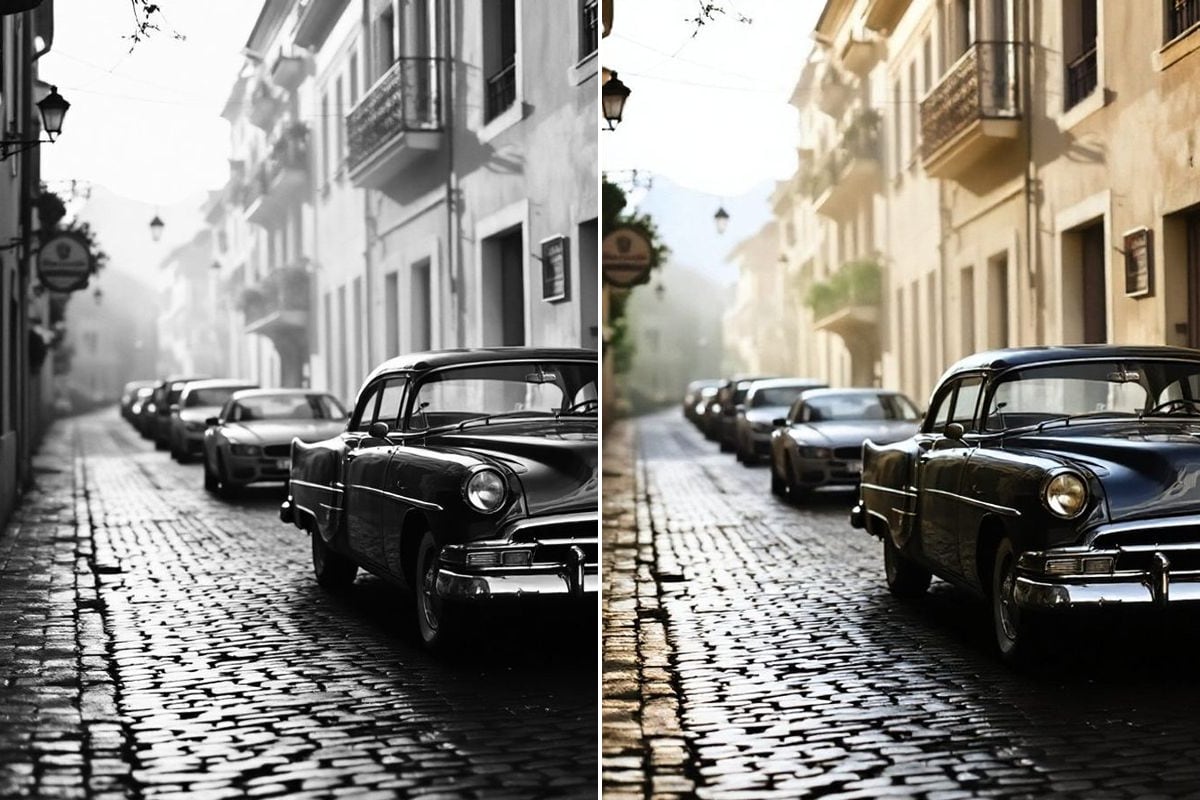
Video colorization
preview, no accountBlack-and-white family film gets color frame by frame, without flicker. Processing usually takes a good fifteen minutes.
Upload an old film or photo. AI brings back the color, sharpness and detail that time took away. See the result before you pay — no account needed.
Three tools give a free watermarked preview — no account. The clean file costs credits, paid once.
Each tool does one thing and shows the result on your own file before you pay.
Black-and-white family film gets color frame by frame, without flicker. Processing usually takes a good fifteen minutes.

Scans and prints recover natural skin, fabric and background tones. You see the result in seconds.

Old tape recovers sharpness and detail. Before paying, you check the effect on a single frame from your own footage.

Creases, cracked emulsion, damp stains and tape marks disappear, while the original grain stays.

Facial features and lettering come back to legibility from a blurred frame — without inventing things that were never there.

A scan for print and archive: more pixels without blur, fabric and hair detail stays in place.
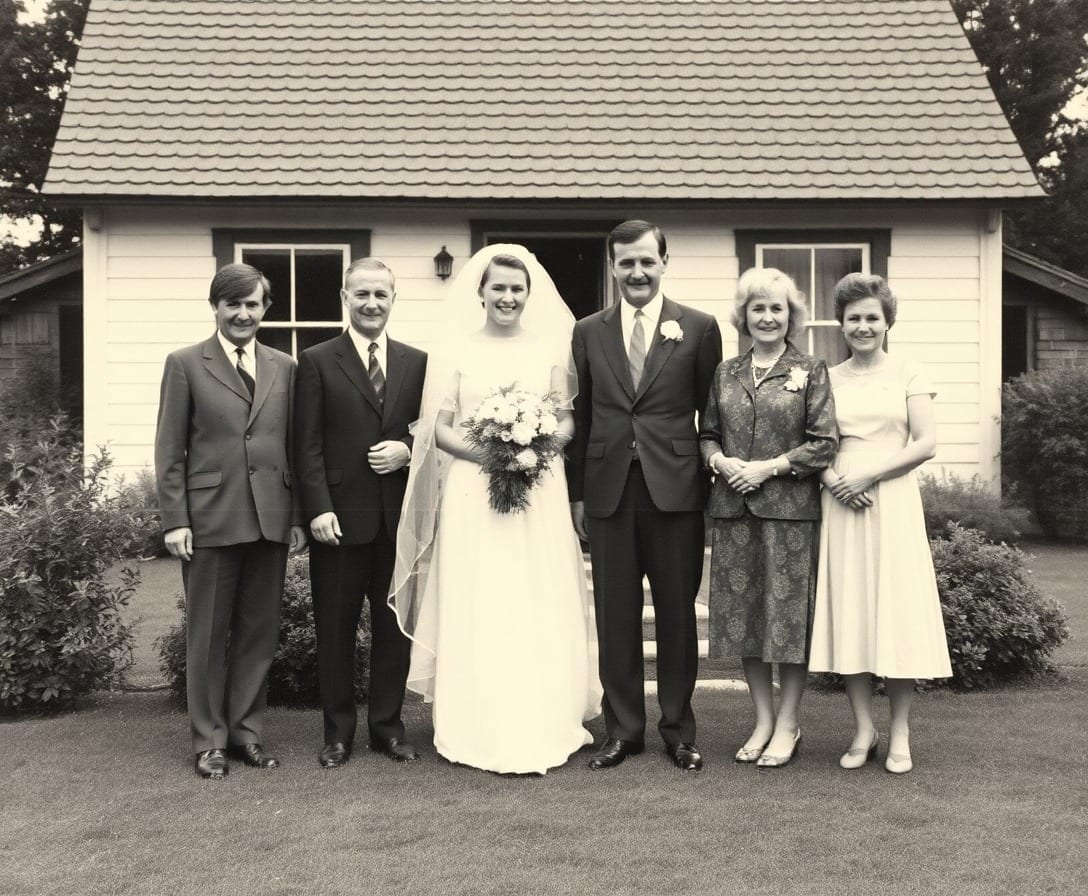
A box from your grandparents, an envelope of communion photos, film with no negative. Start with a single photo — drag the slider and see what comes back.
We never touch the original file. You always get a new copy, and the old one stays with you exactly as it was.
Colorize a family photo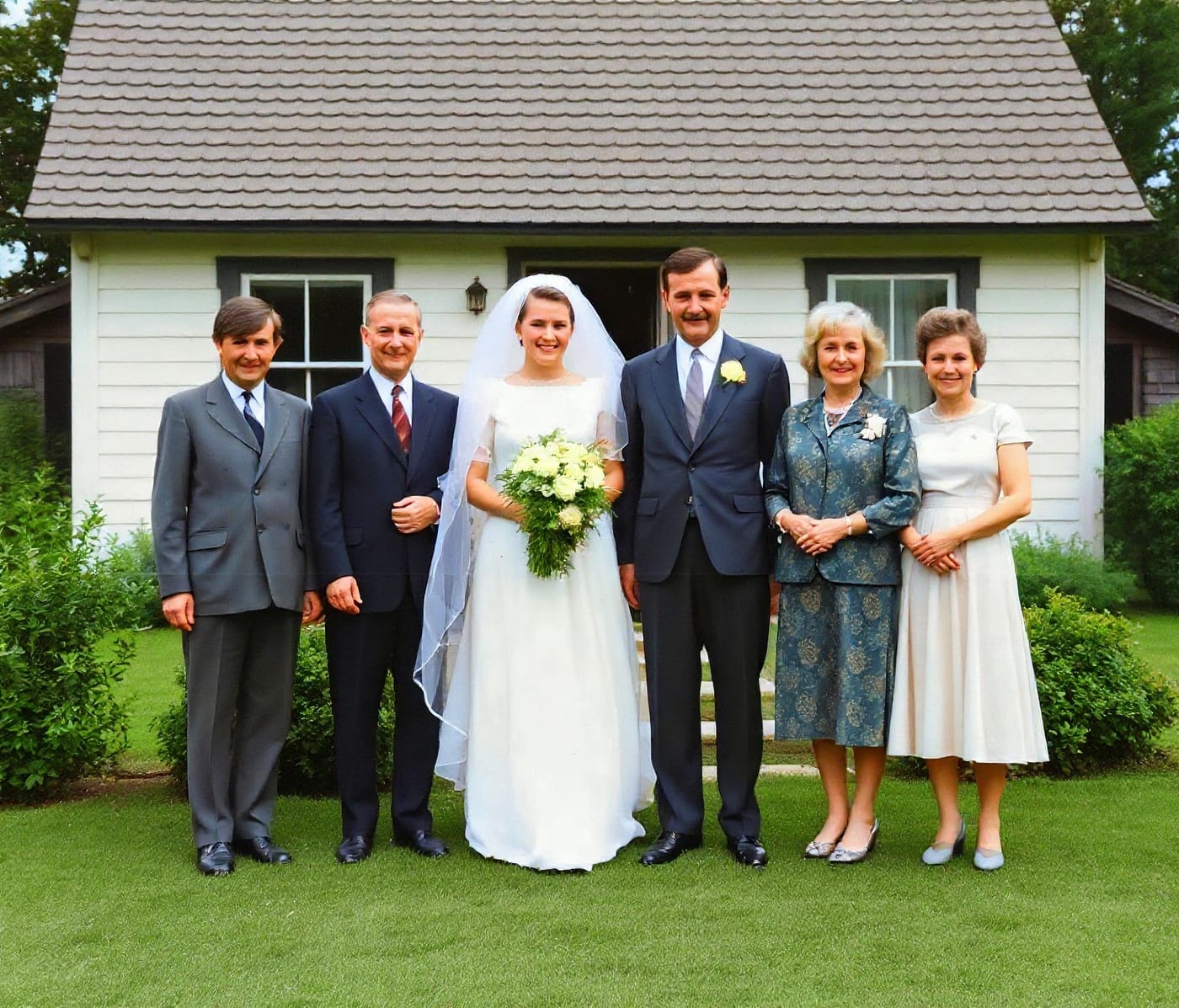
You buy credits once. Nothing renews, there is no monthly fee and no card saved “for later”.
50 credits — a short clip in color (10 credits) plus a reserve for photos from the same box.
100 credits — for sorting out an estate: longer films and bigger batches of scans.
The original stays untouched — you get a new file next to it. If you don't like the result, you simply don't save it.
No. Video colorization, photo colorization and video upscaling all give a watermarked preview without signing up. An account and credits are only needed to download the clean file.
A photo — seconds. Video — usually a good fifteen minutes, depending on length and resolution. With an account the finished clip waits in your history; a free preview without an account has to be downloaded right away.
No. You buy a credit pack once — $1.49, $4.99 or $9.99. Nothing renews automatically.
Photos in JPG, PNG and WEBP, films in MP4, MOV, AVI, WEBM and MKV — including scans from a home scanner and footage pulled off tapes. The bigger the source file, the more detail we can recover.